
Remod Remote
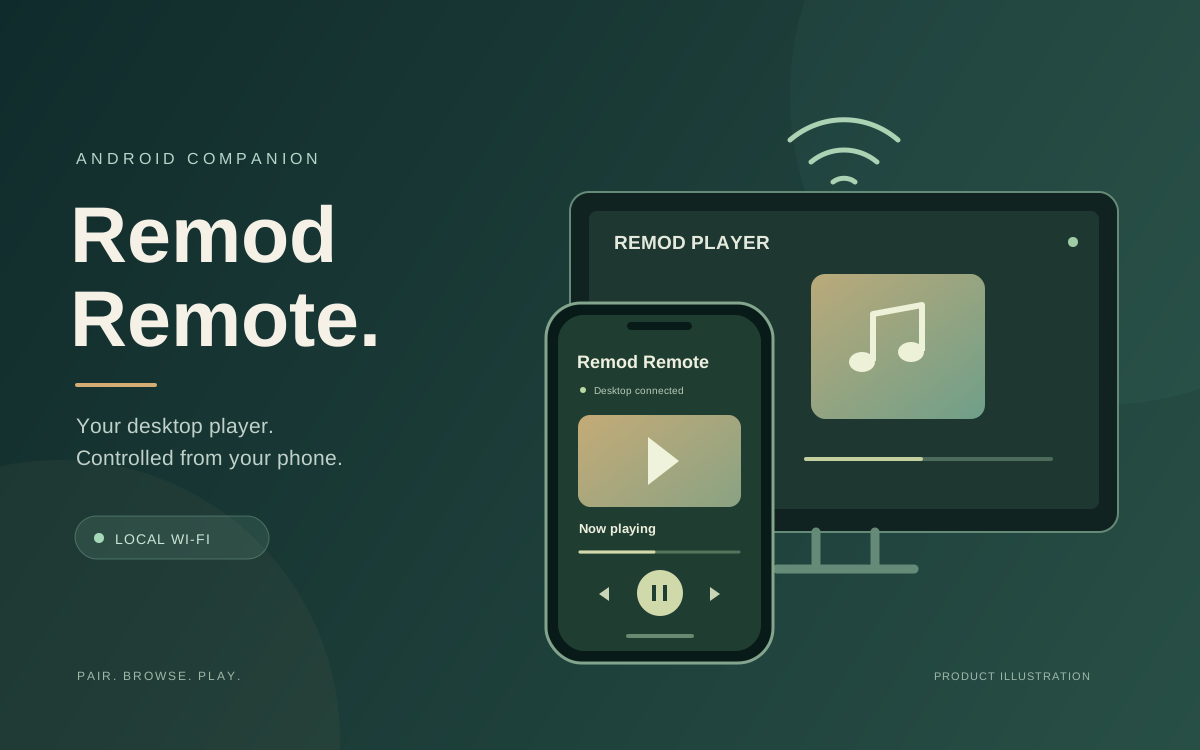
Remod Remote turns an Android phone into a controller for Remod Player on the desktop. Pair both devices on the same Wi-Fi using a QR code or the desktop IP address, port and six-digit code. Playback commands and player state stay on the local network, while music and videos play on the computer.
- Sector
- Music and video
- Engagement
- Android companion app
- Timeline
- Not provided
The challenge
- Control desktop music and video playback from a phone while keeping media playback on the computer.
- Make pairing straightforward on the same Wi-Fi network, with QR scanning and manual connection details.
- Bring library browsing, video adjustments and sound settings into the phone remote.
- Keep playback commands and player state on the local network without a cloud relay.
How the app works
Pair your phone with Remod Player to browse libraries and control desktop playback over local Wi-Fi.
Pair with the desktop
Open Connect phone in Remod Player, then scan its QR code or enter the IP address, port and six-digit code in the companion. Pairing codes expire after five minutes. Both devices must share the same Wi-Fi, and Windows Firewall may need to allow Remod Player on the local network.
Browse and control playback
Search the desktop music and video libraries, then play, pause, stop, skip, seek, adjust volume, shuffle or repeat. Add a media folder or remove an item from the library; removing an item does not delete the original file.
Adjust video and sound
Control video fit, playback speed, color templates or custom color, subtitles and available audio tracks. Choose from ten equalizer presets or adjust the five audio bands, and switch the desktop theme from the phone.
Connect directly over local Wi-Fi
The Flutter companion reads player state and sends commands through the desktop's local API. The connection does not use the Cloudflare desktop update feed, and media continues to play on the computer.
App capabilities
- QR code and manual IP, port and six-digit code pairing
- Searchable desktop music and video libraries
- Play, pause, stop, skip, seek, volume, shuffle and repeat controls
- Media folder addition and library removal without deleting original files
- Video fit, speed, color, subtitles and available audio track controls
- Ten EQ presets and a customizable five-band equalizer
- Desktop theme switching from the phone
Technology used
- Flutter
- Android
- Local Wi-Fi API
- QR code pairing
- Desktop: Electron and React
- Package: com.darkz143.remodremote
App overview
Local Wi-Fi
Direct desktop connection
Playback commands and player state stay between the phone and desktop on the same local network.
QR or code
Two pairing options
Scan the desktop QR code or enter its IP address, port and six-digit code. Pairing codes expire after five minutes.
10 presets
Sound controls
Choose an EQ preset or customize the five audio bands from the companion app.
Android
Flutter companion
The companion can be run or built from source as an APK. The product download website links to an APK; a Google Play release is not published yet.
Remod Remote brings desktop playback, library browsing, video settings and sound controls to an Android phone. The companion uses the desktop's local API, with playback remaining on the computer. Made by DarkZ143 and registered under Busiserve Infotech Solution.
Have a similar problem?
Tell us what is slowing you down and we will tell you honestly whether it needs a rebuild or a much smaller fix.